
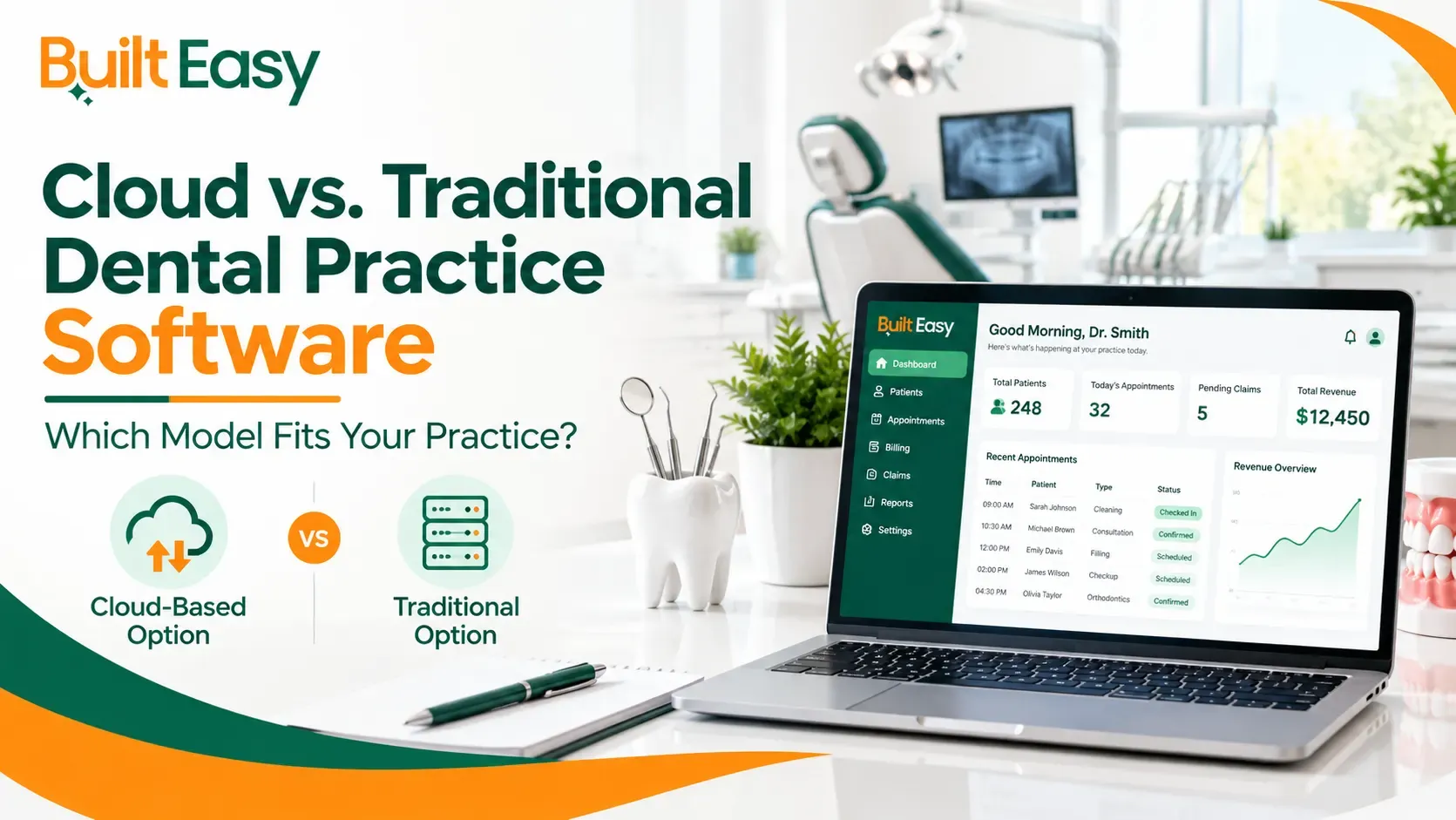
Choosing dental practice software is not only about features such as scheduling, patient records, billing, or claims. Dental practices also need to consider where the software is hosted, how staff access it, how updates are handled, and what IT support is required.
For U.S. dental practices, two common options are cloud-based dental practice software and traditional or on-premise software. Both can support daily operations, but they work differently.
The right question is not simply which model is better. It is which model fits your practice’s workflow, infrastructure, staff, and future plans.
What Is Cloud-Based Dental Practice Software?
Cloud-Based Dental Practice Software is hosted on remote infrastructure rather than relying primarily on a server inside the dental office. Authorized users generally access the system through an internet connection.
Depending on the vendor, hosting, updates, maintenance, and some backup processes may be managed by the provider.
What Can This Mean for a Dental Practice?
A cloud-based system may allow your team to:
- Access schedules and patient information from supported locations
- Work across multiple offices using a centralized system
- Reduce reliance on an in-office application server
- Receive software updates through the provider
- Add users or locations as the practice grows
Example: A dental group with three locations may benefit from centralized access when authorized staff need to work across different offices.
Cloud software should not automatically be considered better or safer. Practices should review the vendor’s security controls, backup procedures, user permissions, support, and data policies.
What Is Traditional Dental Practice Software?
Traditional Dental Practice Software, also called on-premise software, is generally installed on computers or servers managed within the dental practice.
The practice may have more responsibility for its hardware, network, backups, updates, and technical maintenance.
When Can Traditional Software Make Sense?
This model may fit a practice that:
- Already has established IT infrastructure
- Has local servers and backup systems
- Has internal or external IT support
- Requires specific local integrations
- Prefers greater control over its infrastructure
For example, a practice with an established server, network, and IT provider may prefer continuing with an on-premises environment rather than changing its entire setup.
Cloud-Based vs. Traditional Dental Practice Software: Key Differences
The biggest differences involve hosting, access, maintenance, and IT responsibilities.
Factor | Cloud-Based | Traditional / On-Premise |
Access | Usually through an internet connection | Primarily through the office network |
Data storage | Generally remote/hosted infrastructure | Generally local servers or computers |
Updates | Often managed by the provider | May require local installation |
Backups | May be managed by the provider | Often managed by a practice or IT provider |
IT infrastructure | Less reliance on local application servers | Greater reliance on local infrastructure |
Internet | Important for regular access | Local functions may continue depending on setup |
Multiple locations | May simplify centralized access | May require additional network setup |
Remote access | Often supported, depending on vendor | Depends on configuration |
Maintenance | More may be handled by provider | More may be handled locally |
Scalability | May simplify adding users or locations | May require additional infrastructure |
The actual experience depends on the vendor, service agreement, network, and configuration.
Advantages of Cloud-Based Dental Practice Software
Cloud systems can offer practical benefits, especially for practices that need flexible access or operate across multiple locations.
Easier Access Across Locations
If dentists or administrative teams work across offices, centralized access can make coordination easier.
For example, an office manager may need to review scheduling or administrative information while working at another location.
Less Dependence on Local Servers
A cloud setup may reduce the need for the practice to maintain an application server on-site. This can also reduce some hardware maintenance responsibilities.
Simpler Software Updates
Cloud providers often manage updates centrally. This may reduce the need for staff to manually install every update.
Practices should still ask vendors how updates are scheduled, tested, and communicated.
Useful for Growing Practices
A growing dental group may add providers, staff, or locations. Depending on the platform, cloud software may make expansion easier without requiring the same local infrastructure at every location.
Advantages of Traditional Dental Practice Software
Traditional systems can also have practical advantages for certain practices.
More Control Over Local Infrastructure
Some practices prefer having software and infrastructure managed within their own environment.
Existing Technology Investment
If a practice has already invested in:
- Servers
- Network equipment
- Backup systems
- Workstations
- IT support
Moving to another model may require additional planning and resources.
Established IT Support
Practices with reliable IT support may already have processes for software updates, hardware maintenance, backups, networking, and troubleshooting.
In these situations, local infrastructure may fit the existing workflow.
What Are the Potential Challenges of Each Model?
Every technology model has trade-offs. The impact depends on the specific software, vendor, practice, and setup.
Cloud-Based Software: Potential Considerations
Internet dependency: Cloud systems generally require reliable internet access for regular use.
Vendor dependency: The practice depends on the provider for hosting, platform availability, support, and certain technical processes.
Security and privacy: Practices should understand available security controls, access management, backup processes, and data-handling policies.
Recurring costs: Some cloud platforms use subscription or recurring payment models.
Migration: Moving existing patient and practice information to another system may require careful planning.
Traditional Software: Potential Considerations
Server maintenance: Local servers require maintenance and eventual replacement.
IT support: Technical support may be needed for updates, networking, troubleshooting, and hardware.
Backup management: The practice or IT provider may have greater responsibility for maintaining backups.
Remote access: Access outside the office may require additional configuration.
Infrastructure costs: Servers, networking equipment, maintenance, and IT support can add operational costs.
Which Model Fits Your Dental Practice?
Instead of choosing based on the latest technology trend, look at how your team actually works.
Cloud-Based Software May Fit Practices That:
- Operate multiple locations
- Need authorized remote access
- Want less dependence on local servers
- Expect significant growth
- Have limited internal IT resources
- Prefer the provider to handle more software maintenance
Traditional Software May Fit Practices That:
- Already have strong local IT infrastructure
- Have established server and backup processes
- Have dedicated IT support
- Require specific local integrations
- Prefer greater control over infrastructure
- Have workflows built around an on-premises environment
These are not strict rules. Practices should compare the actual capabilities, costs, support, and requirements of each system.
Look Beyond the Software Features
A long feature list does not automatically mean a system will fit your practice.
Consider the complete workflow:
Patient appointment → Check-in → Clinical records → Treatment → Billing → Claims → Payments → Reporting
Your Dental Practice Management system should support the way your staff actually moves through these processes.
Staff usability also matters. A technically capable system may still create operational problems if everyday tasks are difficult or the workflow does not match your team’s needs.
How Dental Practice Management Services Can Help
Software is only one part of effective practice operations.
Dental Practice Management Services can involve reviewing workflows, administrative processes, billing operations, staff responsibilities, and how existing technology is being used.
Professional Dental Consulting Services can help practices identify operational requirements, evaluate workflows, and make better-informed decisions about technology.
Built Easy Solutions provides dental consulting and practice services rather than selling software. The focus is on helping dental practices improve operations and make more effective use of the systems they already rely on.
requirements, IT support, costs, staff workflow, vendor support, and future growth plans.
Conclusion
Both cloud-based dental practice software and traditional systems can support dental practices effectively. The right choice depends on your locations, workflow, IT infrastructure, staff requirements, and long-term plans.
Rather than choosing based on trends or feature lists alone, evaluate how the software supports your actual dental practice management needs. Built Easy Solutions can help practices review their operational requirements and make better-informed decisions about their existing systems.
FAQs
What Is Cloud-Based Dental Practice Software?
Cloud-Based Dental Practice Software is software hosted on remote infrastructure and accessed by authorized users through an internet connection. Depending on the provider, hosting, updates, maintenance, and certain backup processes may be managed by the vendor.
What Is Traditional Dental Practice Software?
Traditional dental practice software is generally installed on computers or servers within the practice. The practice or its IT provider may have greater responsibility for servers, updates, backups, networking, and maintenance.
What Is the Difference Between Cloud-Based and Traditional Dental Software?
The main difference is where the software and data are hosted and how they are accessed and maintained. Cloud systems generally rely on remote hosting and internet access, while traditional systems rely more heavily on local infrastructure.
Is Cloud-Based Software Suitable for Dental Practices?
It can be suitable for practices that need flexible access or operate across locations. However, internet reliability, vendor support, security controls, integrations, costs, and workflow requirements should all be evaluated.
What Should a Dental Practice Consider Before Choosing Software?
Consider data storage, backups, security, integrations, internet requirements, IT support, costs, staff workflow, vendor support, and future growth plans.