
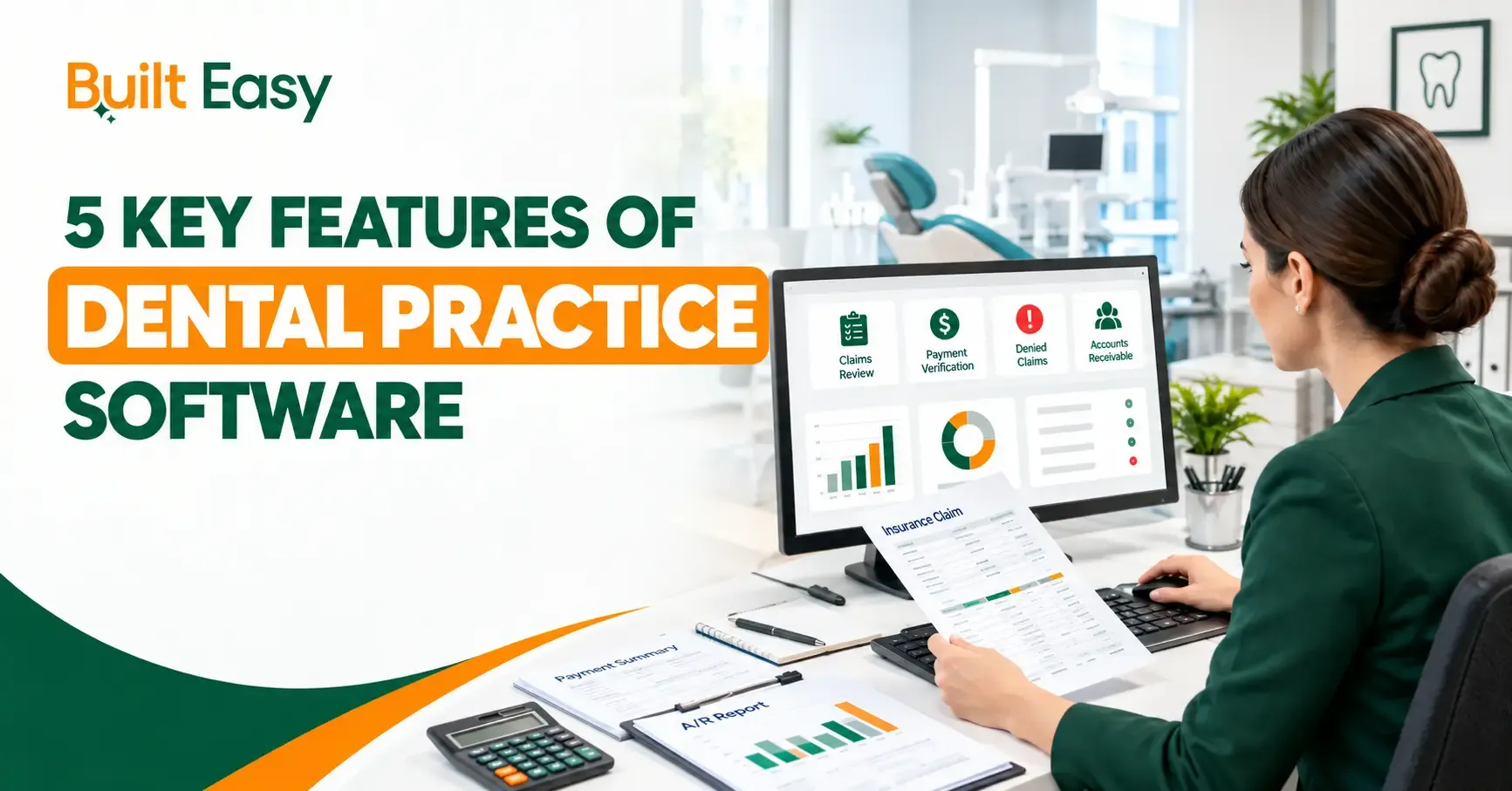
The right Dental Practice Software helps dental offices manage important clinical, administrative, and financial workflows in one place. Instead of choosing software based only on the number of available tools, practices should focus on features that support daily operations and staff responsibilities.
For U.S. dental practices, important areas include appointment management, patient records, treatment planning, billing, insurance, revenue cycle management, reporting, and data security.
What Is a Dental Billing Audit?
1. Appointment Scheduling and Calendar Management
Appointment scheduling is a core feature of Dental Practice Management Software. It helps front-desk teams organize provider schedules, appointment types, available time slots, cancellations, and rescheduling.
A well-structured calendar gives staff a clear view of the practice’s daily schedule and helps coordinate dentists, hygienists, operatories, and other resources.
Important scheduling capabilities include:
- Provider and operative calendar management
- Appointment booking and rescheduling
- Cancellation and appointment tracking
- Automated appointment reminders and confirmations
- Recurring appointment scheduling
- New-patient appointment management
- Visibility into available appointment slots
This feature is particularly important because scheduling affects both the patient experience and the daily workload of the dental team.
2. Digital Patient Records and Treatment Planning
Digital patient records allow dental practices to store and organize important patient information within a centralized system. This is a fundamental part of dental patient management software.
The system may contain clinical, administrative, and treatment-related information that authorized staff need during patient care.
Key capabilities may include:
- Medical and dental history
- Clinical notes and patient documentation
- Medication and allergy information
- Previous treatment records
- Treatment plan management
- Proposed, accepted, and completed procedures
- Outstanding treatment tracking
- Patient information management
Treatment planning is closely connected to patient records. It helps dental teams organize recommended procedures and monitor treatment progress over time.
Having these functions within one system can make patient information easier for authorized staff to access and maintain.
3. Dental Billing and Insurance Claims Management
Billing and insurance management are essential Dental Software Features for practices that handle patient payments and insurance claims.
Dental Billing Software can help organize charges, payments, patient balances, statements, insurance information, and claim activity. It should give billing teams clear visibility into financial transactions and outstanding accounts.
Important capabilities may include:
- Patient balance management
- Payment posting and tracking
- Electronic claim submission
- Insurance claim status tracking
- Patient statements
- Insurance information management
- Outstanding balance reporting
- Billing history
Insurance claim management is particularly important for identifying claims that are pending, denied, or require follow-up.
Accurate billing also depends on correct patient information, procedure documentation, timely claim submission, and proper payment posting. Software supports these workflows but does not replace effective billing procedures.
4. Revenue Cycle Management and Practice Reporting
Revenue cycle management covers the financial workflow from treatment and billing through insurance processing, payments, and collection of outstanding balances.
A Dental Practice Management System can connect different parts of this financial process and provide better visibility into the practice’s revenue cycle.
Important RCM and reporting capabilities include:
- Production and collection reporting
- Insurance receivable tracking
- Patient balance monitoring
- Claims and payment reports
- Billing activity reports
- Treatment and appointment reports
- Financial performance reporting
- Outstanding account tracking
Reporting gives practice owners and managers information they can use to monitor operations and identify areas requiring attention.
The value of reporting depends on the quality and relevance of the information provided. Practices should look for reports that support financial management, billing oversight, operational planning, and revenue cycle decisions.
Software is only one part of successful RCM. Clear staff responsibilities, accurate documentation, claim follow-up, payment posting, and consistent account management are also important.
5. Integrations, Patient Communication, and Data Security
Dental offices often use multiple systems for imaging, payments, communication, accounting, and other administrative or clinical functions. Integration capabilities can help these systems work together.
When supported systems can exchange relevant information, staff may spend less time entering the same information manually.
Useful integration and communication capabilities may include:
- Imaging system integrations
- Payment platform integrations
- Patient communication tools
- Accounting integrations
- Patient portal connectivity
- Appointment reminders
- Text and email communication
Patient communication features can help practices manage routine appointment-related messages and keep patients informed without requiring every communication to be handled manually.
How to Choose the Right Dental Practice Software
The right dental practice software should match the practice’s actual workflow rather than simply offering the largest number of features.
Before selecting a system, evaluate:
- Practice size and workflow: Make sure the system can support the number of providers, staff, locations, and appointments.
- Ease of use: Staff should be able to understand and use important functions without unnecessary complexity.
- Billing and insurance: Check whether the system supports the practice’s specific billing and claims requirements.
- Reporting: Review whether available reports provide useful financial and operational information.
- Integrations: Confirm compatibility with existing imaging, payment, communication, and accounting systems.
- Security: Review user permissions, backups, access controls, and data protection.
- Scalability: Consider whether the system can support future changes in providers, locations, or workflows.
- Training and support: Understand what assistance is available during implementation and ongoing use.
Conclusion
The best dental practice software should support the specific operational needs of a dental office. Appointment scheduling, patient records, treatment planning, billing, insurance, RCM, reporting, communication, integrations, and security each contribute to effective dental practice management.
Practices should focus on how well the software fits their workflow rather than selecting a system simply because it has the largest number of features.
Technology is only one part of efficient practice management. Billing processes, revenue cycle workflows, financial reporting, and staff procedures also need to work together. Built Easy Solutions provides professional guidance in dental practice management, revenue cycle management, billing, and financial workflows, helping practices evaluate their broader operational needs alongside the technology they use.
FAQs
What is dental practice software?
Dental practice software is a system used to manage clinical, administrative, and financial activities in a dental office. Depending on the platform, it may include scheduling, patient records, treatment planning, billing, insurance claims, reporting, communication, integrations, and security features.
What are the main features of dental practice software?
The main features typically include appointment scheduling, digital patient records, treatment planning, dental billing, insurance claims management, revenue cycle management, reporting, patient communication, integrations, and data security.
Can dental practice software help with revenue cycle management?
Yes. Dental practice software can support RCM by connecting treatment, billing, insurance claims, payments, patient balances, and financial reporting. However, effective RCM also requires accurate workflows, claim follow-up, payment posting, documentation, and trained staff.
What is the difference between dental practice software and dental billing software?
Dental practice software generally supports multiple areas of practice management, including scheduling, patient records, treatment planning, billing, and reporting. Dental billing software focuses more specifically on financial activities such as charges, payments, claims, patient balances, and billing workflows.
Is data security important when choosing dental practice software?
Yes. Dental practices manage sensitive patient and financial information. Practices should evaluate user permissions, access controls, authentication, backup procedures, recovery processes, and other security measures before selecting a system.